
How to Create a Survey in Outlook
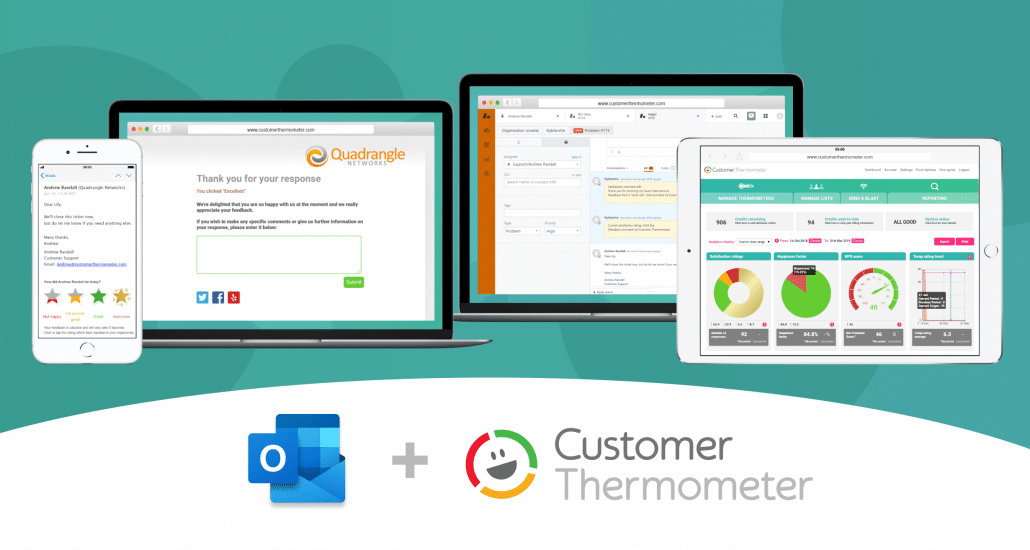
Get instant feedback on how you’re doing from our one click Outlook signature add-in survey.

Want to learn how to set up an Outlook survey?
Take a look at our one click feedback solution. Insert beautiful survey and poll buttons into Outlook in minutes.
-
Create and send Outlook surveys fast
Your customer clicks or taps a single icon on an email. Their vote is instantly registered.
-
Customers can respond on any device
A Thermometer email arrives… your customer can click wherever they are and can leave a comment too if they wish. Customer Thermometer works on all devices.
-
Making it simple to give feedback
Your customers want to give feedback – but sometimes they don’t have time for a long survey – help them to help you.
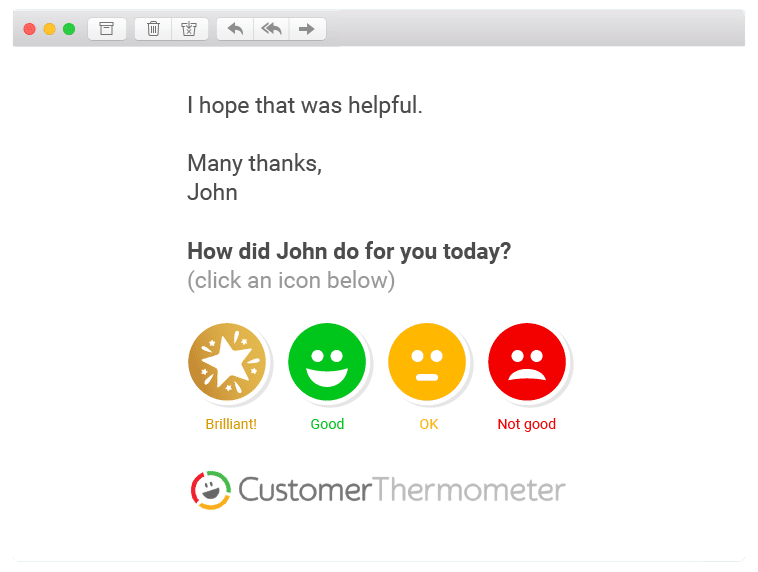
Follow these steps to create a 1-click Outlook Signature survey
- Sign up for our free trial account which gives you 10 free surveys.
- Setup your thermometer by selecting ‘Outlook Signature’ from the ‘Embedded Thermometer Type’ drop down list.
- Download your icon images from CustomerThermometer.com.
- Enter the question that you want to ask.
- Generate the hyperlinks for your icon images.
- Then create or edit a signature in Outlook.
- Paste in or insert the icons into your Outlook signature.
- Add tracking links to ensure that senders details are associated with responses.
- Save your Outlook signature and you are now ready to send your Outlook email signature survey.
It really is that simple to create a survey in Outlook with Customer Thermometer.
Full, detailed guidance is provided from our user-guide.
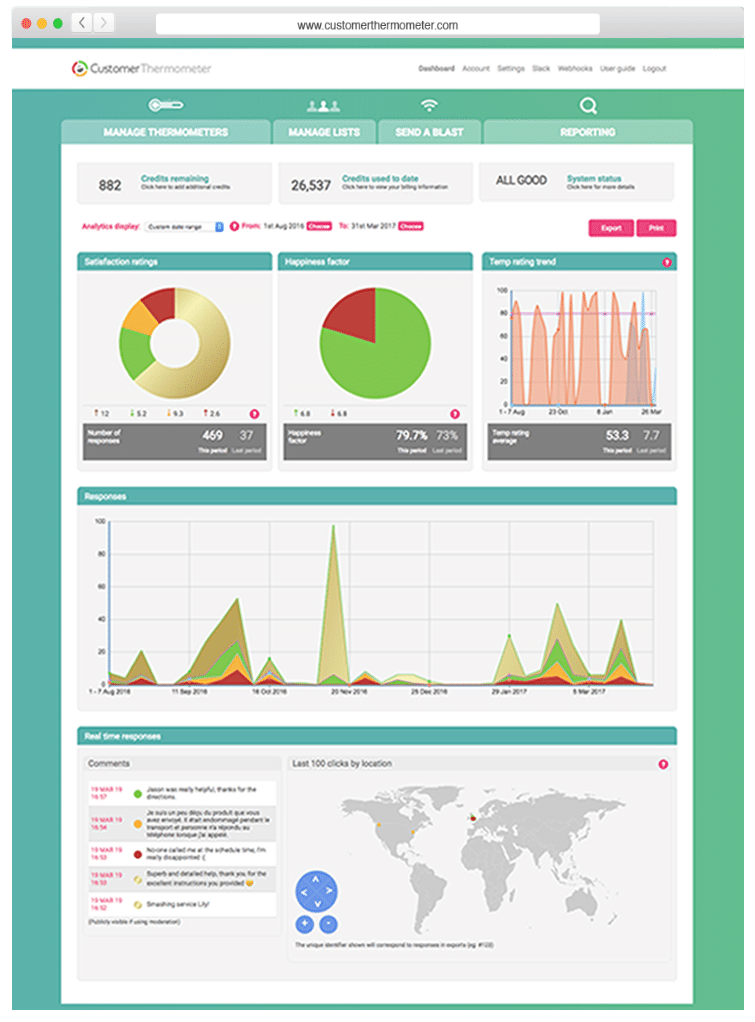
Monitor feedback in real time with fully graphed and exportable results…
-
No more fiddly buttons
With Customer Thermometer, you can now respond to your Outlook survey responses straight away and take appropriate action. If there’s a problem, intercept it early. Maybe you need to involve the manager? Or, maybe it’s time to reward the team.
-
Monitor Customer Happiness Factor
Our reporting area provides you with your Customer Happiness Factor. Are customers happy or disappointed? Four possible responses is deliberate. Clicking 5/10 or ‘average’ tells you nothing.
-
Branded, customisable and simple
No coding and no designers required. Ask your guests any question you want, customize your Outlook email to suit your brand and your tone of voice. Choose from our icon library or create your own. They click or tap a single response from their inbox.
-
Industry leading response rates
Guest satisfaction survey average response rates have been quoted as low as 0.5%. With Customer Thermometer, Outlook email surveys take as long to delete as they do to answer. As a result, we know of customers getting 80% response rates…
Get your Outlook survey up and running in minutes
Switch it in or make it your default signature. Your recipients can answer your survey directly from their inbox.
10,000+ users trust us with their customer satisfaction surveys
Every day, around the world, thousands of people rely on us to give and receive real time feedback.








Need a full rundown?
Find out more about Customer Thermometer’s Outlook signature surveys and its many powerful features.
FeaturesWant to get started?
It’s a one time setup and it’s really easy to do. Find out more in our complete guide by clicking below.
Setup instructionsOr, just try us out. Your first 10 surveys are on us. Get an account and send your first Thermometer in just minutes.
-
No credit card required
Once you’ve tested us out, upgrade and receive a monthly credit allowance.
-
Fully functional account
Start sending surveys which get results, in the next 10 minutes.
-
Be prepared for your response rate
Take action on all your feedback – you might be surprised just how much you will get.
We also integrate with 40+ leading web apps
Browse our range of integrations




