Smiley Face Survey Templates to Boost Responses
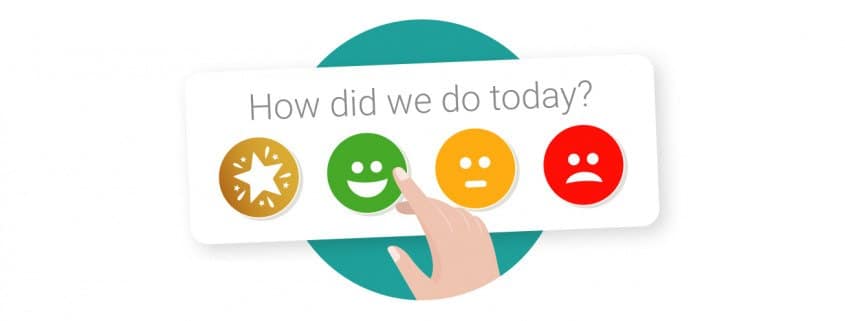
A smiley face survey is a simple feedback survey that asks respondents to select the facial expression that best represents how they feel. Instead of choosing from written answers such as “very satisfied” or “dissatisfied”, customers can respond using smiley, neutral or unhappy faces.
Smiley face surveys work particularly well for quick customer satisfaction feedback because they’re visual, easy to understand and require very little effort to complete.
Below you’ll find smiley face survey templates, example questions, use cases and tips for creating your own.
Smiley face survey template
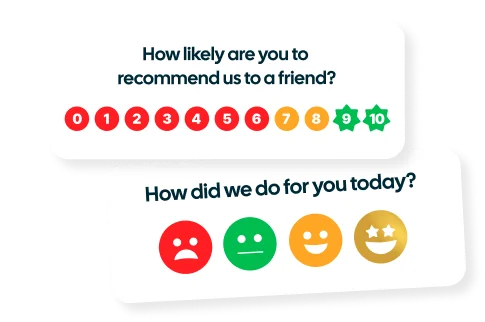
A simple smiley face survey can ask one clear question followed by a range of faces representing different levels of sentiment.
Example question: How satisfied were you with your experience today?
😄 Very satisfied 🙂 Satisfied 😐 Neutral 🙁 Dissatisfied
The customer simply chooses the face that best represents their experience. With Customer Thermometer, the first click records their response immediately, making it easy to collect quick feedback without sending customers through a long questionnaire.
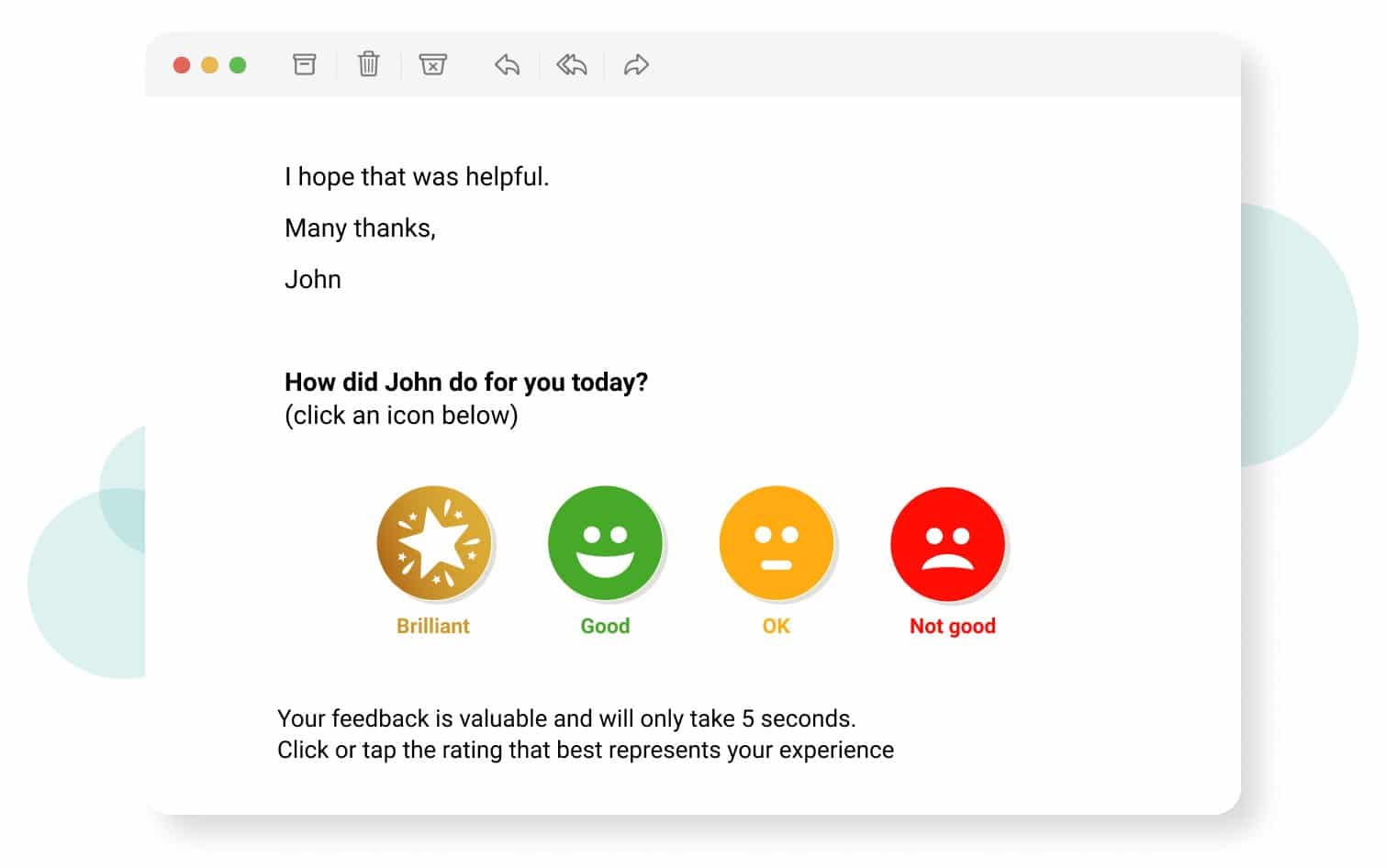
Smiley face survey question examples
The best smiley face survey questions are short, clear and easy to answer based on a customer’s recent experience. For example:
- How satisfied were you with your experience today?
- How was our service today?
- How would you rate the support you received?
- How happy are you with our product?
- How easy was it to resolve your issue today?
- How would you rate your experience with our team?
- How satisfied were you with your purchase?
- How was your delivery experience?
- How helpful was our support agent?
- How would you rate your onboarding experience?
For more ideas, take a look at our survey question examples or our guide to the different types of survey questions.
What is a smiley face survey?
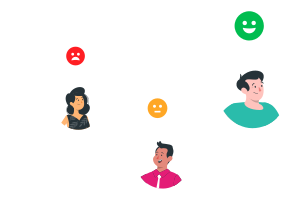
A smiley face survey uses a question followed by a range of facial expressions for respondents to select as their answer. Each face represents a different level of satisfaction, sentiment or emotion.
For example, written options such as “very satisfied”, “satisfied”, “neutral” and “dissatisfied” can be represented visually using a range of smiley and unhappy faces.
This makes smiley face surveys particularly useful when you want to collect quick feedback without asking customers to read through several answer options or complete a longer survey.
How does a smiley face survey work?
A smiley face survey presents the respondent with a simple question and a selection of faces representing different responses.
For example:
How was your experience today?
😄 Very happy → 🙂 Happy → 😐 Neutral → 🙁 Unhappy
The respondent selects the face that best represents their experience. With a Customer Thermometer smiley face survey, that first click records the response immediately.
You can then give customers the opportunity to provide additional context, such as leaving a comment or selecting a Feedback Driver to explain why they chose that rating. This helps you go beyond the score and understand what’s driving positive or negative customer sentiment.
When should you use a smiley face survey?
Smiley face surveys work best when you want to capture quick customer sentiment or satisfaction without asking someone to complete a long questionnaire.
After a customer service interaction
Ask a simple question such as “How was the support you received today?” after a customer has interacted with your support team.
When a support ticket is closed
Collect feedback immediately after an issue has been resolved with a question such as “How satisfied were you with the resolution of your issue?”
In an email signature
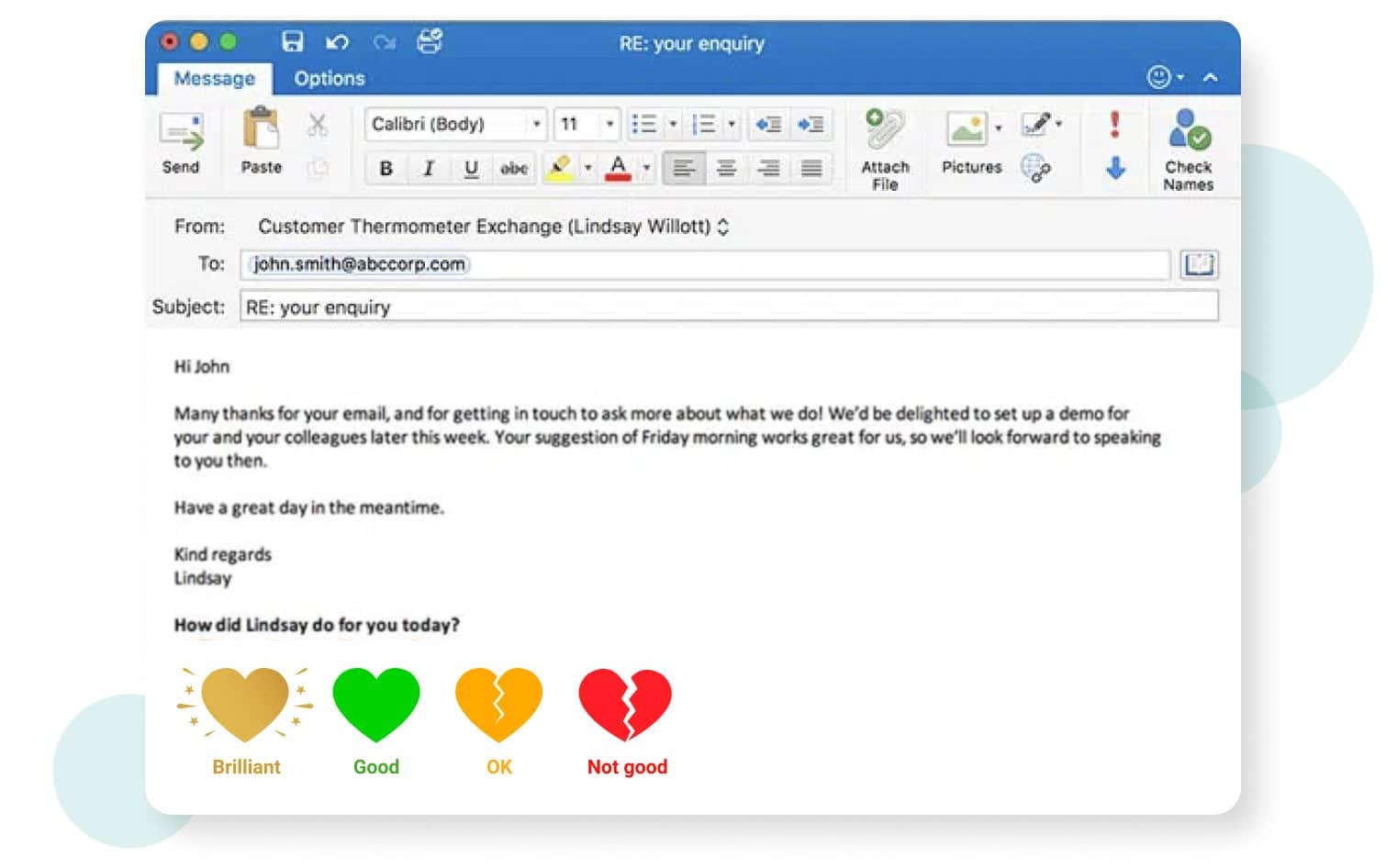
Add an always-on survey to your team’s everyday emails with a question such as “How am I doing?” Customers can provide feedback whenever they interact with your team. Customer Thermometer smiley face surveys can be added to both Outlook email signatures and Gmail signatures.
After a purchase or delivery
Ask customers “How satisfied are you with your purchase?” or “How was your delivery experience?” while the experience is still fresh.
During customer onboarding
Use smiley face surveys at different points in the onboarding journey to identify where customers are having a positive experience and where they might need more help.
On a webpage
Smiley face surveys can also be used to collect quick feedback on digital experiences. For example, you could ask “How useful was this page?” to understand whether your content is helping visitors.
How many faces should a smiley face survey have?
The number of faces you use depends on how much detail you want from the response. Common options include:
- 2 faces: Positive / Negative
- 3 faces: Happy / Neutral / Unhappy
- 4 faces: Very happy / Happy / Unhappy / Very unhappy
- 5 faces: Very satisfied / Satisfied / Neutral / Dissatisfied / Very dissatisfied
A smaller number of options keeps the survey simple, while a larger scale gives respondents more ways to express how they feel. The right choice depends on what you want to measure and how you plan to use the feedback.
What are the benefits of using smiley faces in surveys?
Smiley face surveys offer a visual alternative to traditional written survey responses. They’re particularly useful when the aim is to collect regular feedback while keeping the amount of effort required from the customer low.
Quick to understand
Smiley faces provide a simple visual representation of sentiment, allowing customers to understand the response options quickly.
Low effort to complete
Instead of completing a long questionnaire, customers can provide an initial response with a single click. Keeping surveys short can also help reduce survey fatigue.
Visual and engaging
Icons can make a survey feel less formal than a traditional questionnaire and can be customized to fit your brand and customer experience.
Useful for measuring sentiment
A simple range of positive and negative faces makes it easy to capture how customers feel at specific points in their journey.
Easy to use in emails
Smiley face surveys can be embedded directly into emails and email signatures, allowing customers to give feedback without first clicking through to a separate survey.
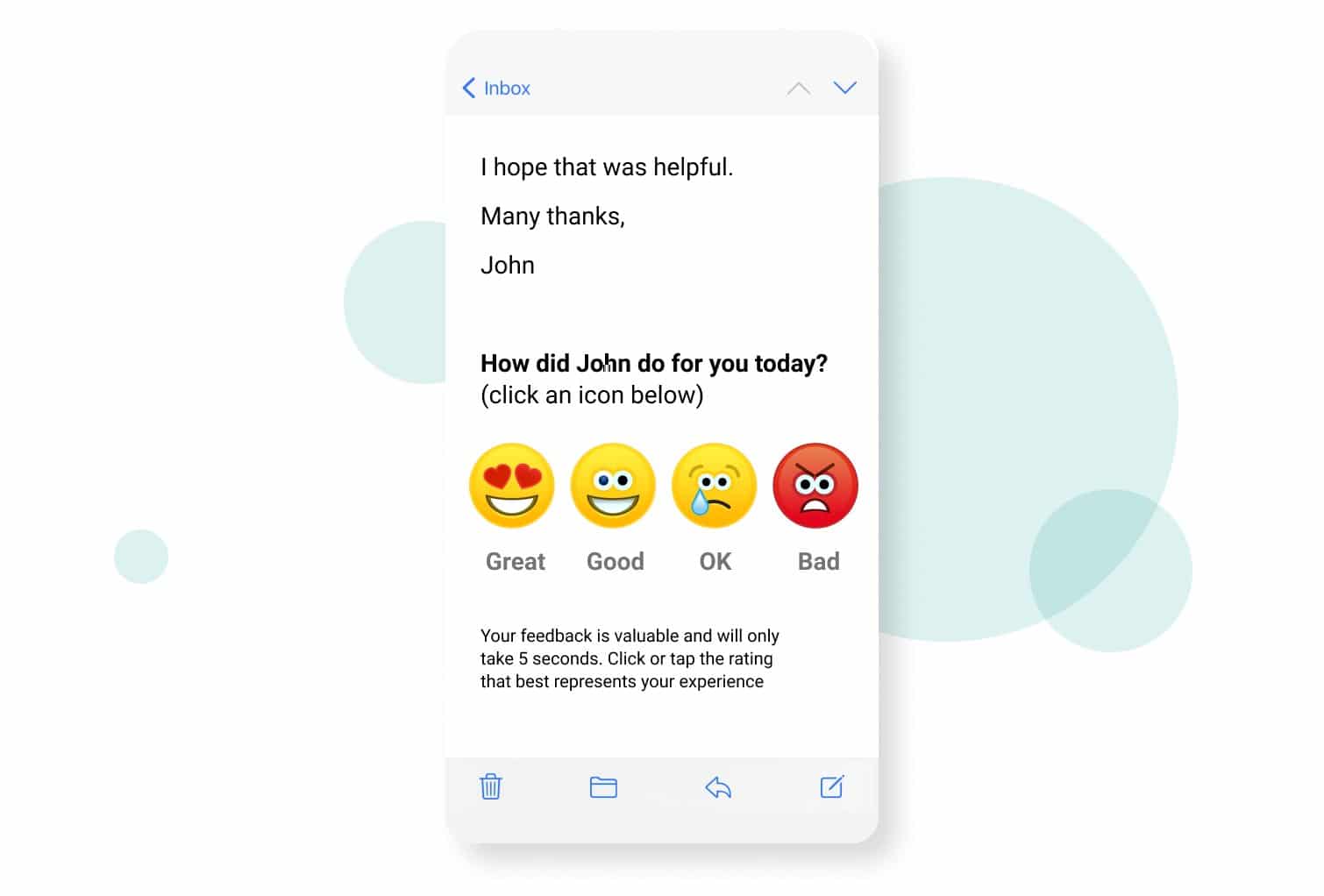
Smiley face survey template examples
The classic yellow smiley face isn’t your only option. Your survey icons can use different faces, colours and styles depending on your brand and the type of feedback you’re collecting.
The Customer Thermometer smiley face survey template can be inserted directly into emails, email signatures and other customer touchpoints.
Surveys can be used with Outlook, Gmail, helpdesk systems, CRMs and many other platforms through our integrations.
Once the survey is sent, the customer simply clicks an icon and their response is recorded. There’s no need for a separate “click here to take our survey” step before they can give their initial feedback.
You can choose from existing survey icons or create a design that fits your brand. Explore our free Icon Playground for ideas, or see examples in our custom icons collection.
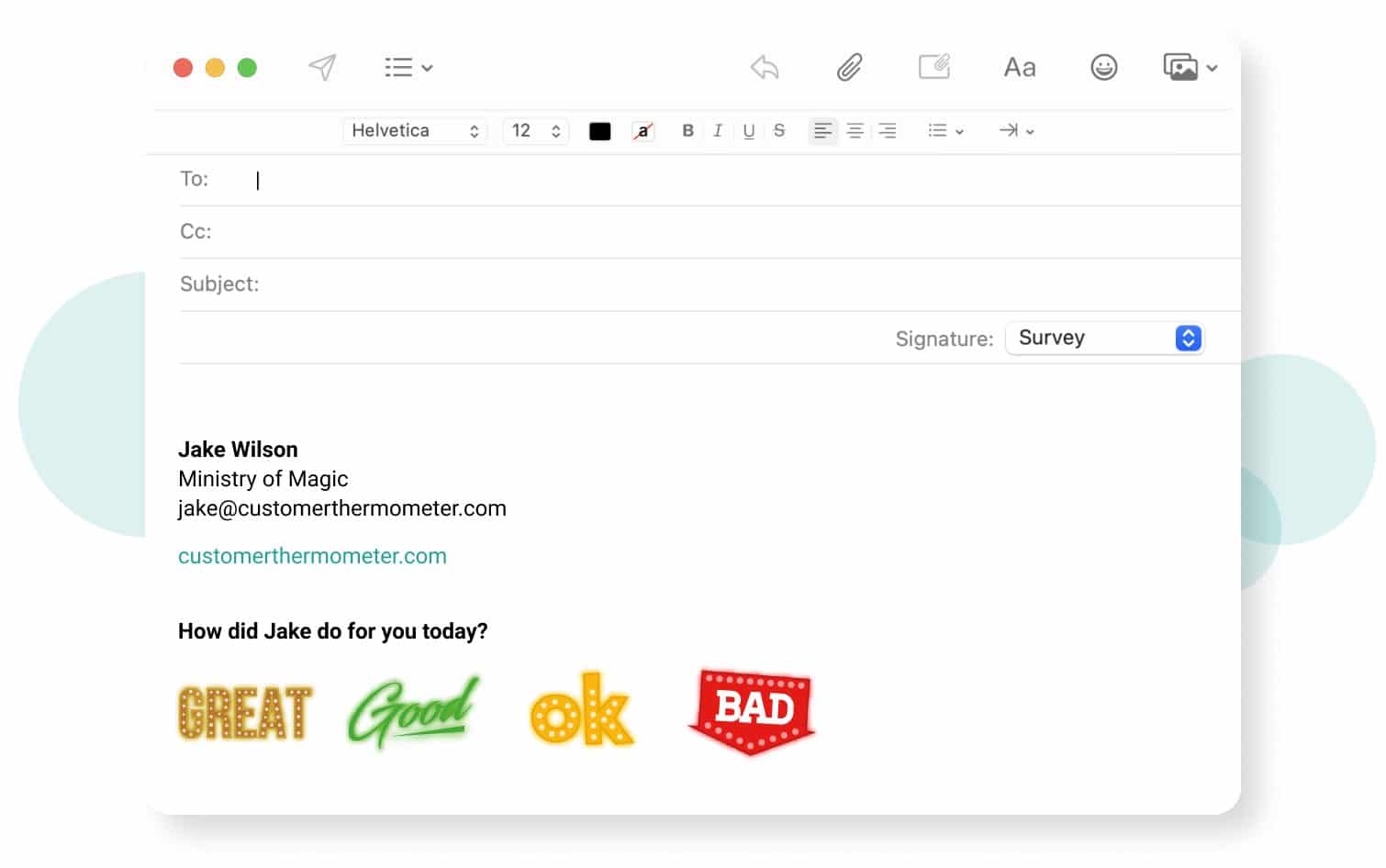
Satisfaction faces
Different facial expressions can be used to represent different levels of customer satisfaction, giving respondents a quick visual scale to choose from.
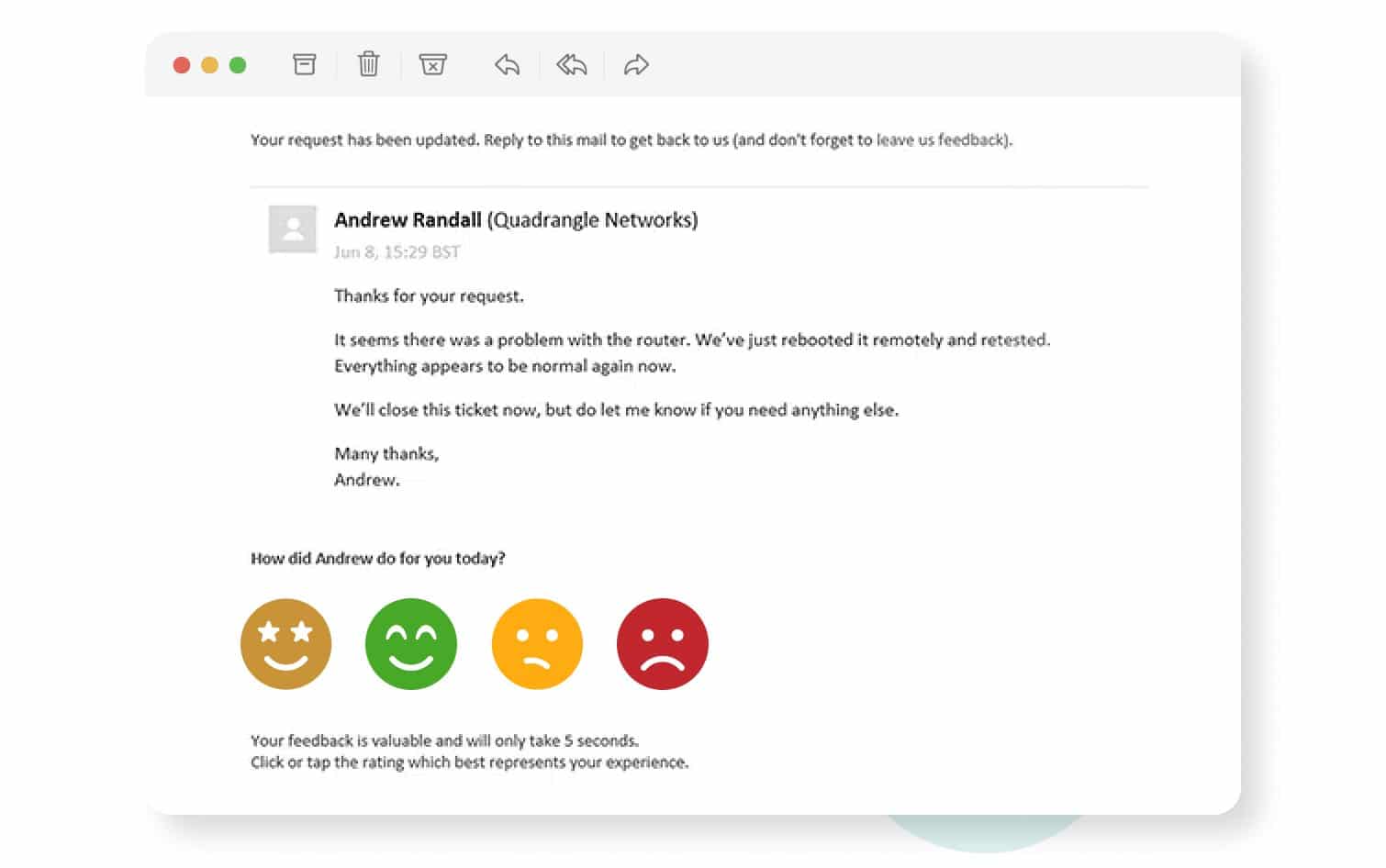
Smiley face surveys in Outlook
Smiley face surveys can also be embedded into Outlook email signatures, allowing customers to provide feedback directly from everyday email conversations.
How to create a smiley face survey with Customer Thermometer
Customer Thermometer lets you create a smiley face survey and use it across email, helpdesk, CRM and other customer touchpoints.
- Create a new survey. Log in to your Customer Thermometer account and go to Thermometers → Add New Thermometer. If you don’t have an account yet, you can start a free trial.
- Choose how you’ll use your survey. Select the integration or method you’ll use to send or embed your survey, such as an email signature, helpdesk or CRM.
- Add your survey question. Keep it short and relevant to the experience you’re measuring. For example, “How satisfied were you with your experience today?”
- Choose your smiley face icons. Select the icons you want respondents to click or upload your own custom designs to match your brand.
- Configure your follow-up experience. Decide what customers see after they respond. You can give them the opportunity to leave additional comments or use Feedback Drivers to understand what’s behind their rating.
- Add the survey to your chosen channel. Follow the instructions for your integration to add the survey to your emails, signatures, helpdesk, CRM or other customer touchpoint.
If you’re specifically creating an Outlook survey, follow our Outlook signature survey instructions. You can also browse all available Customer Thermometer integrations.
And don’t forget our free Icon Playground, where you can explore smileys, stars, emojis and other survey icons.
Smiley face survey FAQs
What is a smiley face survey?+
A smiley face survey is a visual feedback survey that uses facial expressions as response options. Customers select the face that best represents their satisfaction, sentiment or experience.
What questions can you ask in a smiley face survey?+
Smiley face surveys work best with short questions that can be answered using a simple sentiment or satisfaction scale. Examples include “How satisfied were you with your experience?”, “How was our service today?” and “How would you rate the support you received?”
How many smiley faces should a survey have?+
Smiley face surveys commonly use between two and five response options. Two faces can provide a simple positive or negative choice, while three, four or five faces provide more detail about the strength of the customer’s sentiment.
Can smiley face surveys be used for CSAT?+
Yes. Smiley faces can be used as a visual CSAT survey scale, with each face representing a different level of customer satisfaction.
Can you put a smiley face survey in an email?+
Yes. Customer Thermometer allows one-click surveys to be embedded directly into emails and email signatures. The customer can select a response icon from the email, with their first click recording the response.
Can I customize the smiley faces?+
Yes. With Customer Thermometer, you can choose survey icons or upload custom icons to create a feedback experience that fits your brand.
Start collecting smiley face feedback
Smiley face surveys make it easy for customers to tell you how they feel without asking them to complete a long questionnaire.
With Customer Thermometer, you can collect one-click feedback at key customer touchpoints, see responses in real time and give customers the opportunity to explain what’s behind their rating.
Start your free account and create your first smiley face survey:
(Post last updated September 28, 2026)
By Lindsay Willott Updated